
 Get Veelops
Speak
Tell your coding agent what to build, fix, test, or explain.
Veelops Voice Agent connects your phone to Claude Code, Codex, Gemini, OpenCode, and other terminal coding agents on your laptop, so you can steer coding sessions by voice.
End-to-end encrypted
No SSH or VPN needed
Your terminal stays on your machine
Agentic coding already changed the job. You give direction, wait, inspect enough to continue, then give the next instruction. Veelops makes that loop voice-first, so you can keep working while you are away from your desk.
Tell your coding agent what to build, fix, test, or explain.
Ask for reports during execution or get automatic reports when the session needs you.
Send the next instruction, approve a path, or stop the run.
Keep the loop alive while walking, commuting, running errands, or on the couch.
Veelops still gives you a real mobile terminal, session tabs, history, quick commands, folders, and reconnects. The product is built around the moments when looking at a terminal is the wrong interface.
Give tasks, send next instructions, verify prompts, and keep the ball rolling.

Ask what happened and get a concise readout instead of scanning logs.

Drop into the mobile terminal when you need exact control.
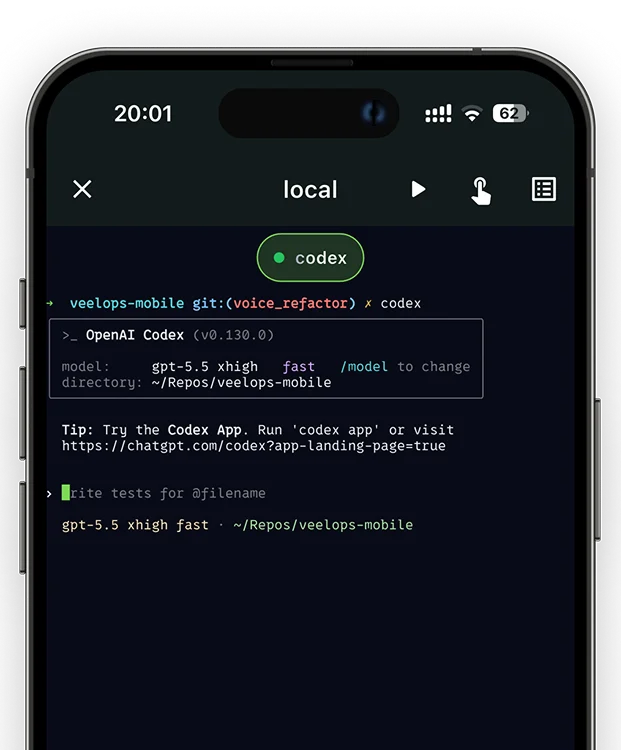
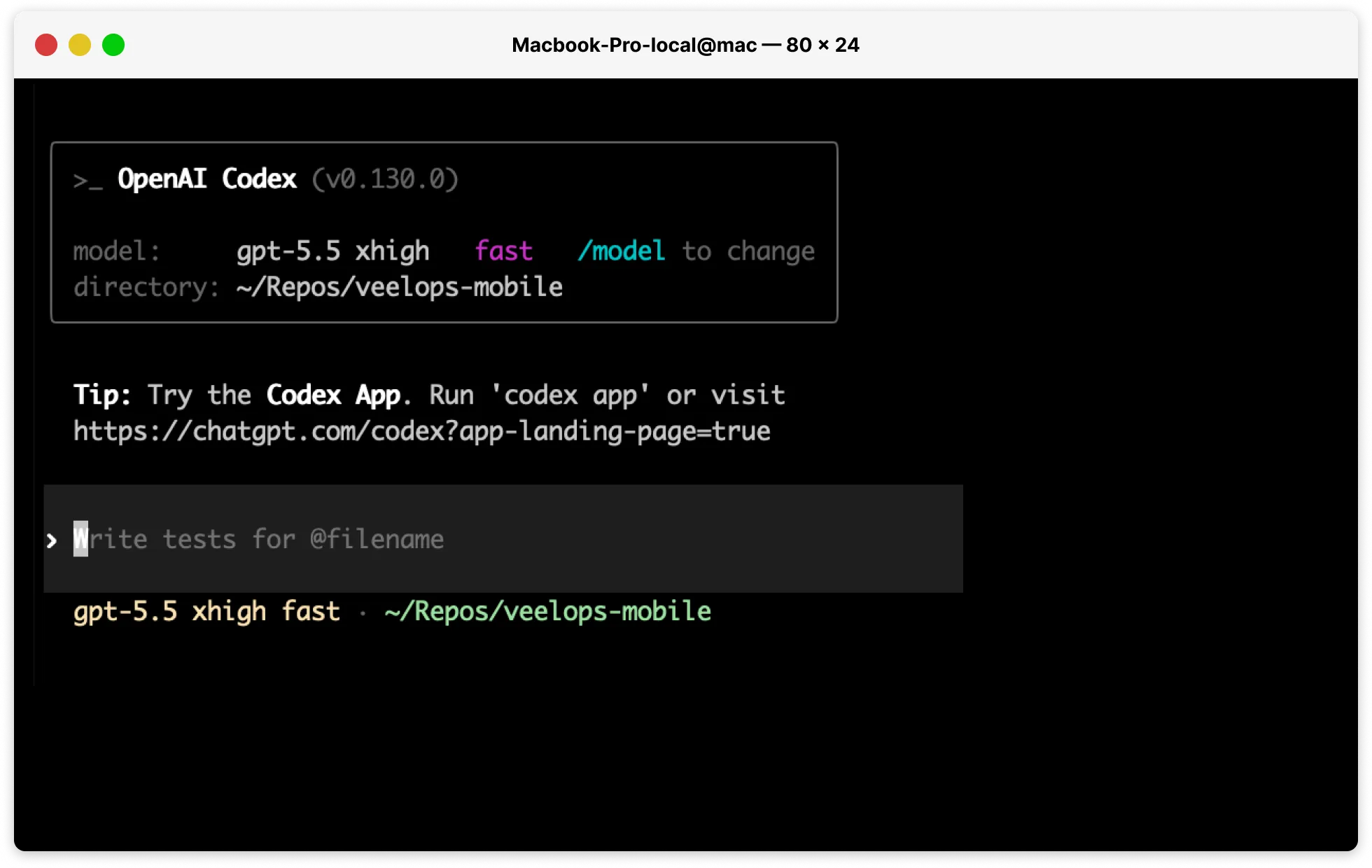
Rejoin active tmux sessions and switch between workstreams.
Treat spoken input as terminal input and keep the session moving.
The local Veelops CLI keeps terminal streaming, session state, and relay communication lean.
STT and Wispr Flow-style tools turn speech into text. Veelops keeps a realtime session open with your terminal, your coding CLI, and the work already in progress.
Veelops routes encrypted messages through a content-blind relay. The relay can connect your devices, but it cannot read your commands, output, code, or coding CLI responses.
Noise IK handshake and XChaCha20-Poly1305 secretstream.
Short-lived secrets, device allowlist, and revocation.
Performance-focused Rust builds for the machine running your code.
Routing stays lean while terminal content remains encrypted.
Start with the mobile app and pair your first machine. Upgrade when Veelops becomes part of your daily coding CLI loop.
Regular
Secure remote terminal with Collaboration Preview
Subscription
Voice Coding Agent with unlimited sessions
1 Voice mode requires your OpenAI API key. OpenAI model usage is billed separately by OpenAI and is not included in the Veelops subscription.
2 Collaboration Preview is free during the launch preview. After the preview period, the collaboration feature will move to the paid subscription.
Put Veelops on your phone, install the Agent CLI where your code runs, then pair the two with encrypted QR setup.
Use Veelops as the phone control surface for voice mode, terminal sessions, reports, history, and quick commands.


Run this on the Mac, Linux machine, server, or WSL2 environment that owns your repos and coding CLI sessions.
curl -fsSL https://veelops.com/install | bash